
Table of Contents
Google Home Mini Features
It is an intelligent speaker that serves as a central station for Google Home Mini features.
We can manage the accounts and other devices linked to it through the Google Home application that we download to our mobile or tablet.
Google Home Mini can connect with compatible smart-home devices such as smart lights, plugs, thermostats and other supported products. This allows users to control different parts of their home using voice commands. Google provides a list of compatible Google Home and Nest devices that can work within its smart-home ecosystem
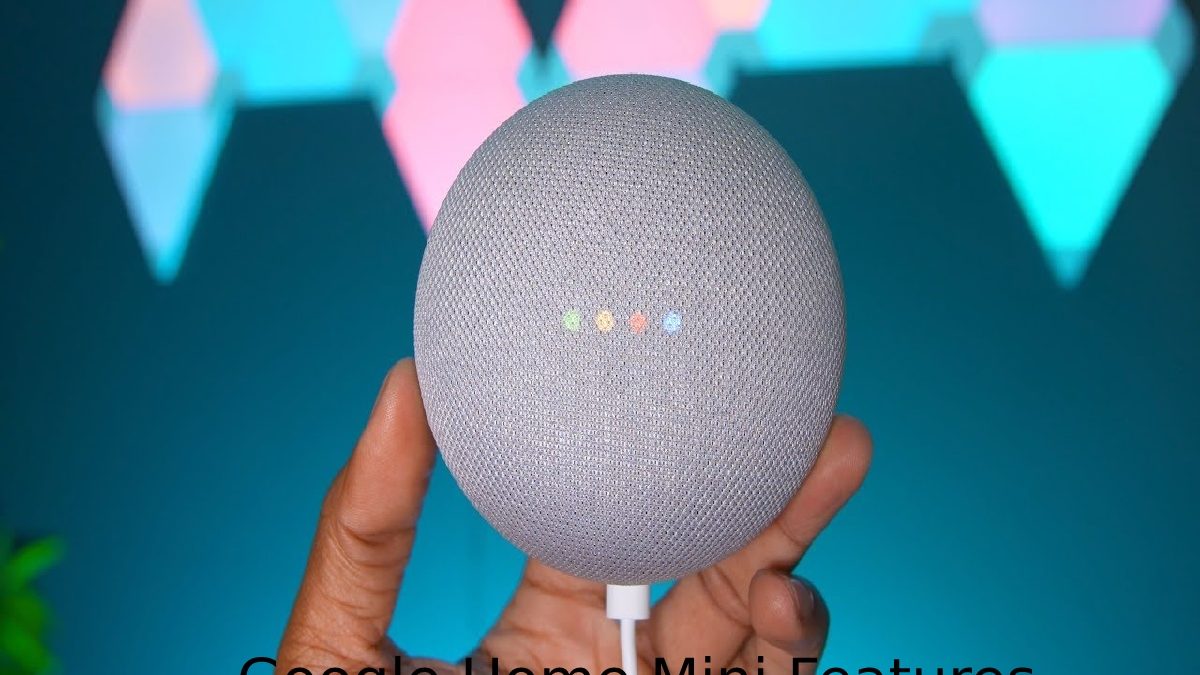
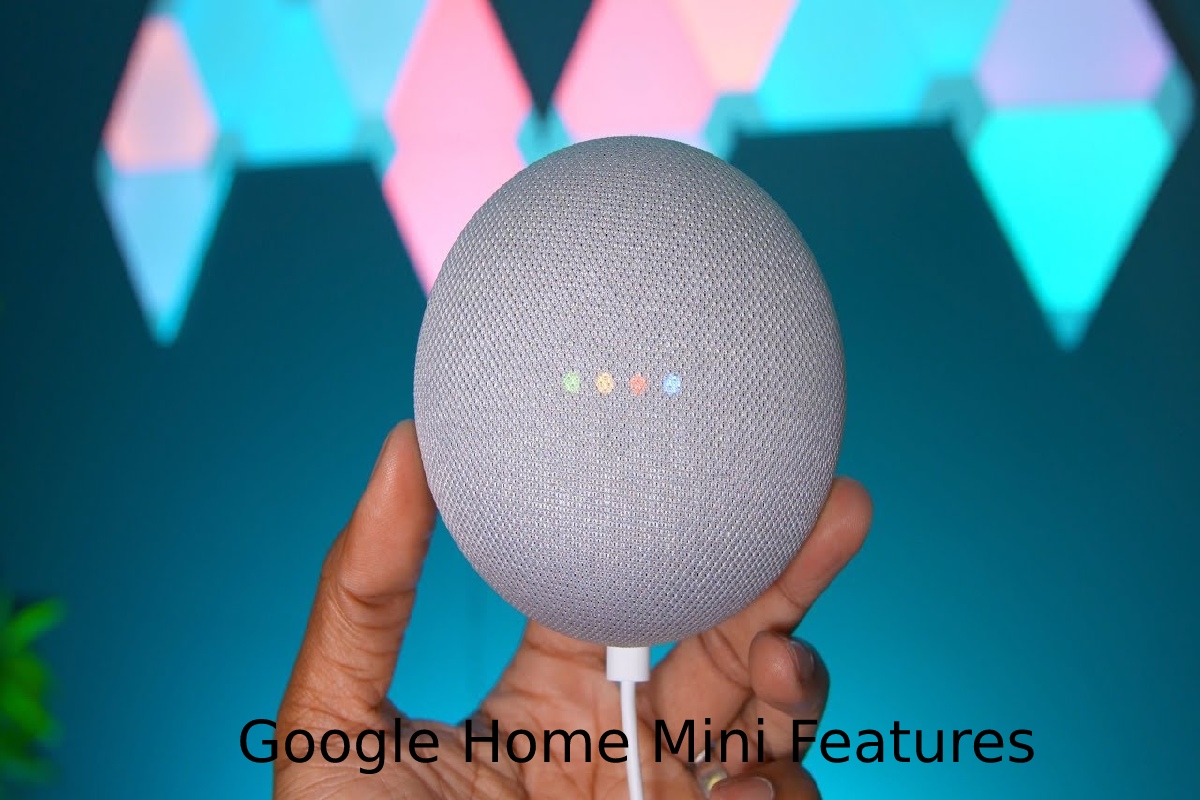
The device consists of a 40mm speaker that emits 360º sound and reproduces many different sound formats apart from the most common ones, such as Vorbis and WAV (LPCM).
We can also find two medium-range microphones to capture our voice, along with Wi-Fi and Bluetooth connectivity.
A Google Home Mini can also work alongside other entertainment devices in the home. For example, if you are planning to upgrade your television, you can explore this guide to the best TVs and consider how a smart TV can fit into a connected home environment.
This Article Belongs to Smart Devices
What is the Google Home Mini for?
- As we mentioned earlier, the Google Home Mini is an intelligent speaker that serves as a home for Google Assistant.
- When we purchase it, we need to download the Google Home application from the Play Store and install it on our smartphone or tablet using our Google account.
- However, we must differentiate between the functions of Google Home Mini and those that are possible through third-party software.
Assistant Functions
- Putting it that way is slightly misleading, given that many of the functions come from Google Assistant rather than the Google Home Mini itself.
- The list of tasks that can be completed with Assistant is extensive, and the application also receives software updates that can add or improve functionality.
- We can set timers and alarms, play music, listen to news, translate languages, perform calculations, request traffic information and complete similar everyday tasks.
- It can also become more useful as we integrate additional compatible devices and services.
- Physically, the Google Home Mini has a button for muting the microphones. Apart from this, we can touch the upper surface to lower or raise the volume, pause playback or perform similar actions.
- Finally, hidden behind the fabric mesh, four white LEDs act as indicator lights and inform us about the speaker’s status.
Wizard-linked functions
- In addition to the many possibilities offered by Assistant itself, we can connect the Google Home Mini with compatible third-party services and devices.
- We can play content from services such as Netflix or listen to music through linked accounts such as Spotify or YouTube Music, depending on the supported device and service.
The question comes in two facets: on the one hand, we have the external devices with which Google Home is compatible, including smart bulbs, speakers, cameras, televisions and blinds. This section of home automation continues to grow.
For users interested specifically in smart audio equipment, you can also explore these best premium smart speakers to compare other options for a connected home.
In conclusion
- Google Home Mini brings many useful functions that are designed to make everyday tasks easier.
- This device, designed for an office or home environment, uses Google Assistant to respond to our commands, which is why the two are closely connected.
- However, Assistant can work without a Google Home Mini, while the speaker relies on Assistant and an internet connection to provide its smart functionality.
Google Can Broadcast To All Devices
How often have you needed to get everyone in the family together but couldn’t find an easy way to do it without yelling at everyone in the house?
- If you have more than one Google Home Mini inside the house, one useful feature is the ability to broadcast a message to multiple devices at once.
- You can say something like, “OK Google, broadcast it’s dinner time.” After giving the command, a notification can be played on the connected devices.
- You can also use broadcasting as an intercom-style feature when you are away from home. For example, using Google Assistant on your phone, you can broadcast a message that you are on your way home to compatible devices within the house.
Smart technology is also being used outside traditional home entertainment and automation. For example, connected cameras and recording technologies have applications in public safety. You can learn more about how body cameras and dash cams help improve police conduct.
