
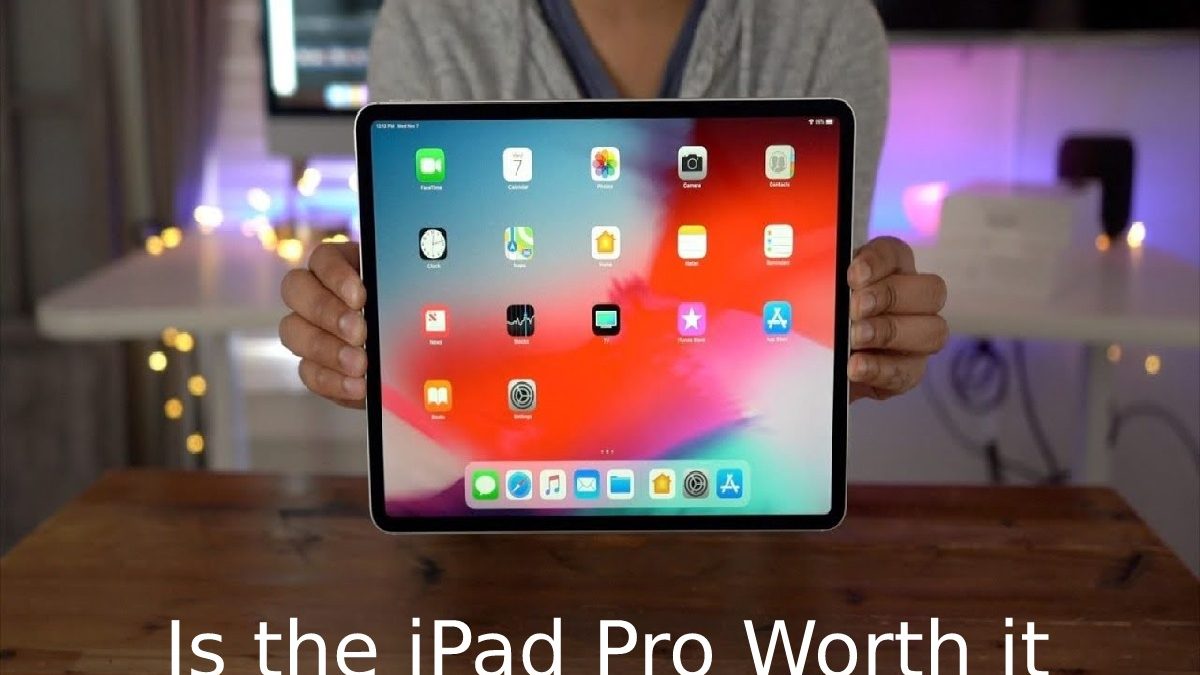
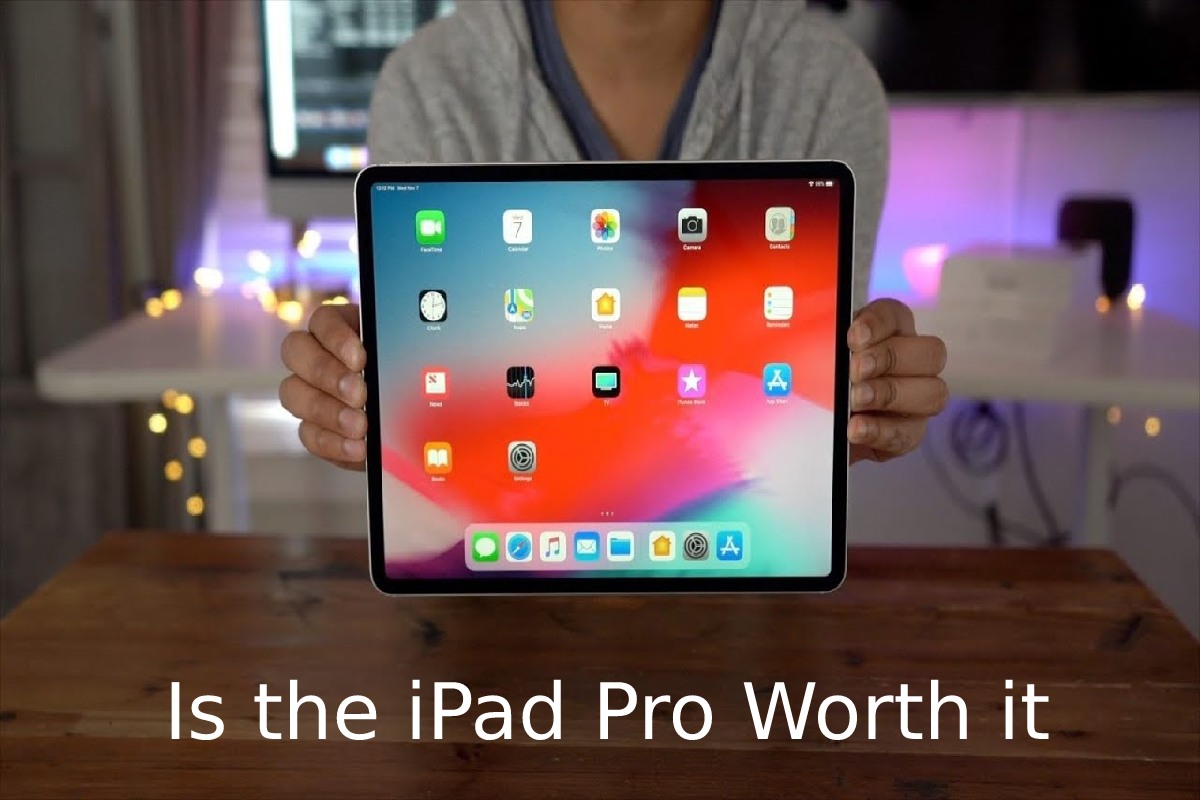
Is the iPad Pro worth it? Apple has consistently positioned the iPad Pro line as a powerful computing device that can bridge the gap between a traditional tablet and a laptop.
The 11-inch iPad Pro combines a large high-quality display with powerful hardware, USB-C connectivity, Face ID, Apple Pencil support and an optional Magic Keyboard. However, its premium price and iPadOS limitations mean that it may not be the right choice for everyone.
Let’s look at the main reasons to buy the 11-inch iPad Pro, as well as some reasons why Apple’s premium tablet may not be suitable for you.
The 11-inch iPad Pro combines a high-resolution display with features such as Face ID, LiDAR, USB-C/Thunderbolt connectivity and Apple Pencil support. For a complete overview of its hardware and capabilities, see Apple’s iPad Pro technical specifications.
This Article Belongs to Smartphones
Table of Contents
Reasons to Buy the 11-inch iPad Pro
While the iPad Pro may not suit everyone, there are several reasons to consider Apple’s premium tablet.
1. Advanced iPhone Technology Comes to the iPad
Apple has introduced many of its advanced technologies across both the iPhone and iPad product lines. The iPad Pro received features that were not available on some other iPad models.
One of the most notable features is Face ID. Instead of Touch ID and a physical Home button, the iPad Pro uses facial recognition technology to authenticate the user and unlock the device.
Removing the Home button also allows Apple to provide a larger display within a relatively compact body. Unlike the iPhone, Face ID on supported iPad Pro models is designed to work in both portrait and landscape orientations, which is particularly useful when using the tablet with a keyboard.
The iPad Pro also includes advanced camera hardware. Depending on the generation, its camera system can include wide and ultra-wide cameras, making it possible to capture photographs and videos from different perspectives.
Another interesting feature is the LiDAR scanner. LiDAR measures the time it takes for light to travel to an object and return to the sensor. This technology can improve augmented-reality applications by helping the device understand the surrounding environment.
For a comparison with Apple’s smaller smartphone approach, you can also read about the iPhone SE 2 and its compact design.
2. USB-C Opens Up More Possibilities
Another important feature of the 11-inch iPad Pro is its USB-C connection.
Instead of relying on Apple’s traditional Lightning connector, USB-C provides greater flexibility for connecting accessories and transferring data. Users can connect compatible cameras, external storage devices and other peripherals.
USB-C can also be useful for transferring photographs and videos from external devices. This is particularly valuable for photographers, designers and other creative professionals who regularly work with large files.
Depending on the model and supported accessories, the iPad Pro can also connect to external displays. External storage can make it easier to work with large collections of documents, photographs and other files without relying entirely on internal storage.
3. Apple Pencil and Magic Keyboard Expand Its Capabilities
The iPad Pro becomes more versatile when combined with accessories such as the Apple Pencil and Magic Keyboard.
The Apple Pencil is useful for drawing, handwriting, taking notes, marking documents and working with creative applications. Its pressure and tilt sensitivity can also make it useful for artists and designers.
The Magic Keyboard adds a keyboard and trackpad, giving the iPad Pro a more laptop-like experience. The backlit keyboard is useful for writing longer documents, while the trackpad allows users to interact with iPadOS without constantly touching the display.
iPadOS also supports multitasking features, making it possible to work with multiple applications and windows. For users who want a tablet that can handle both creative and productivity tasks, this combination can make the iPad Pro more flexible.
The iPad’s large touchscreen can also be useful beyond conventional tablet tasks. For example, businesses can explore the benefits of iPads for digital signage for displaying information, menus, advertisements and other visual content.
Reasons Not to Purchase the 11-inch iPad Pro
There are also several reasons to consider a less expensive iPad or another computing device.
1. The iPad Pro Is Expensive
The iPad Pro has traditionally occupied the premium end of Apple’s tablet range. Once you add accessories such as the Apple Pencil and Magic Keyboard, the overall cost can become significantly higher than the starting price of the tablet itself.
Higher storage configurations and cellular connectivity can increase the price further.
For some users, spending this much money on a tablet may not make sense when a laptop can provide a more traditional desktop operating system and a broader selection of professional software.
Therefore, the total cost should be considered rather than looking only at the price of the iPad Pro itself.
2. iPadOS Does Not Always Take Full Advantage of the Hardware
The iPad Pro’s hardware is designed to provide high performance, but the software experience can still differ considerably from that of macOS or Windows.
Apple has continued adding features to iPadOS, including improved multitasking, external display support, mouse and trackpad controls, better file management and desktop-class applications.
However, users who regularly depend on specialised desktop software may still find a traditional computer more suitable.
The interface can also take some time to learn, particularly for people who are accustomed to working on a Mac or Windows PC. Although multitasking features are powerful, they do not always work in exactly the same way as desktop applications.
3. Accessories Add to the Overall Cost
The iPad Pro can become considerably more expensive once essential accessories are included.
For example, someone who wants to use the tablet primarily for writing may want a keyboard, while artists and designers may want an Apple Pencil. These accessories can transform the tablet’s capabilities, but they also increase the overall investment.
This is important when deciding whether an iPad Pro is genuinely replacing a laptop or simply serving as an additional device.
4. Consider How You Will Use the Tablet
The value of an iPad Pro depends heavily on the user’s needs.
For browsing the web, watching videos, reading documents and using social media, a less expensive iPad may provide everything required.
The iPad Pro makes more sense for demanding tasks such as graphic design, video editing, digital illustration, photography, professional productivity and other workflows that benefit from powerful hardware and a high-quality display.
It can also be useful for communication. FaceTime is integrated into Apple’s ecosystem, and users who regularly make group video calls can learn more about FaceTime with multiple people.
Conclusion
So, is the iPad Pro worth it?
The answer depends largely on how you plan to use it. The 11-inch iPad Pro offers powerful hardware, a high-quality display, USB-C connectivity, Face ID, Apple Pencil support and an optional keyboard and trackpad.
At the same time, its premium price and the limitations of iPadOS compared with a traditional desktop operating system should be considered before buying.
For users who want a powerful tablet for creative work, productivity, media and specialised touchscreen applications, the iPad Pro offers a broad range of capabilities. For lighter everyday tasks, a less expensive iPad may provide a more practical solution.